Task management reimagined for high-performing teams.
MyTaskManager combines intuitive Kanban boards with powerful AI intelligence to help your team ship faster, stay organized, and eliminate busywork.

Everything you need to ship projects.
Powerful features that help your team focus on what matters: building great products.
Let AI automatically categorize, prioritize, and assign labels to your issues based on their description.
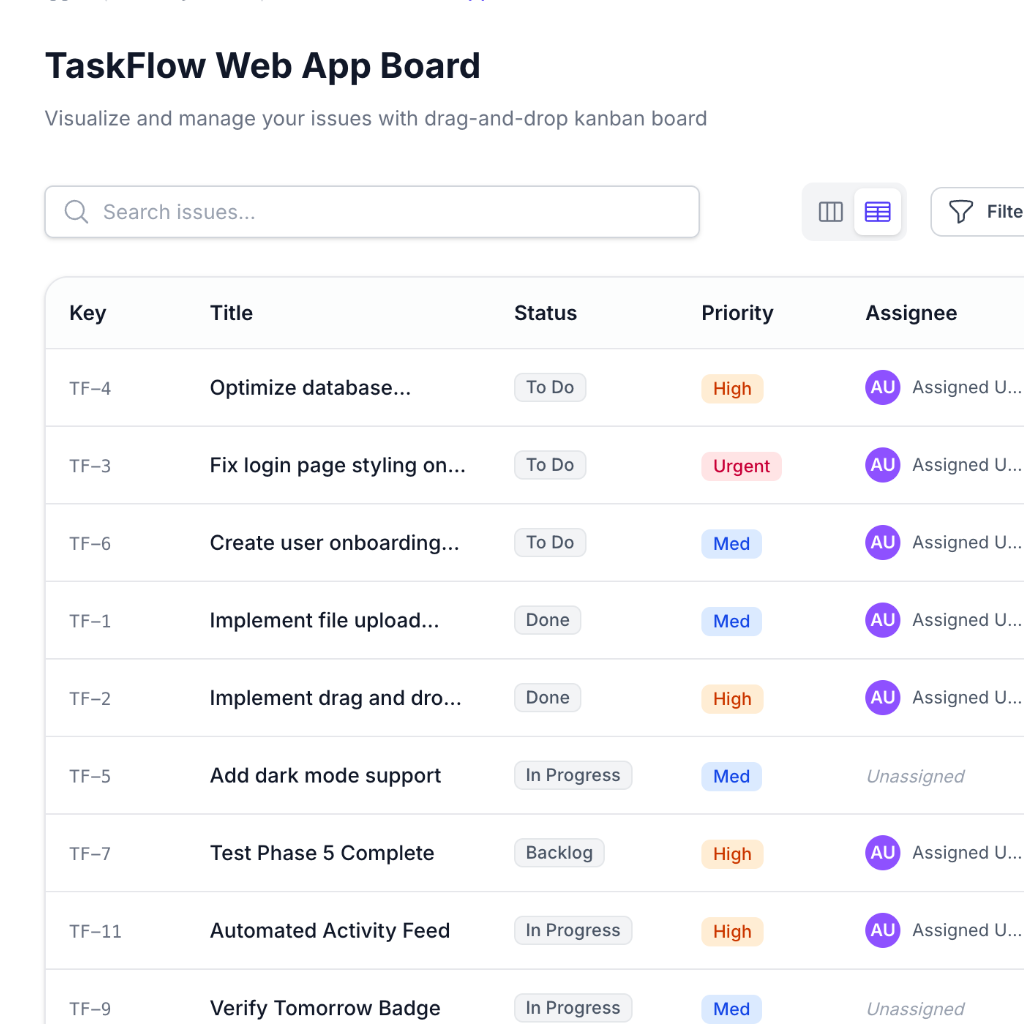
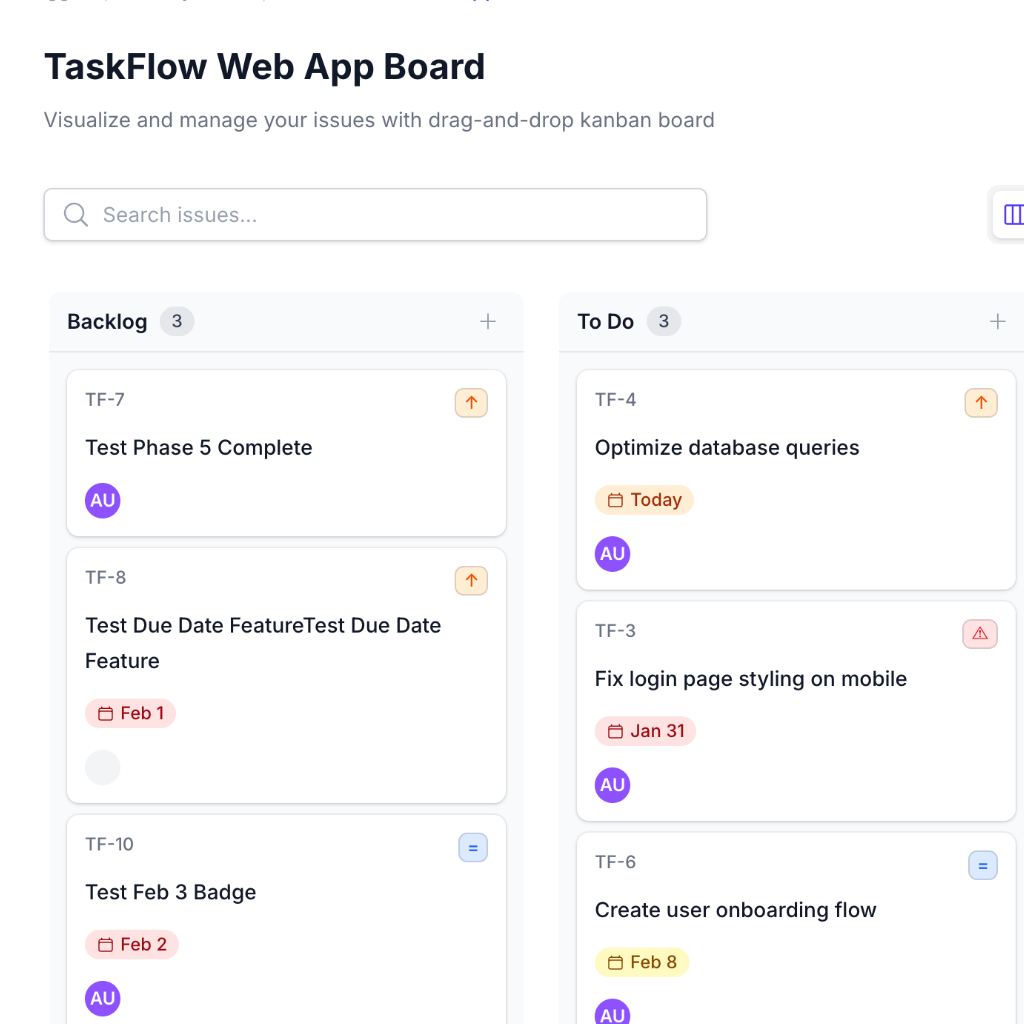
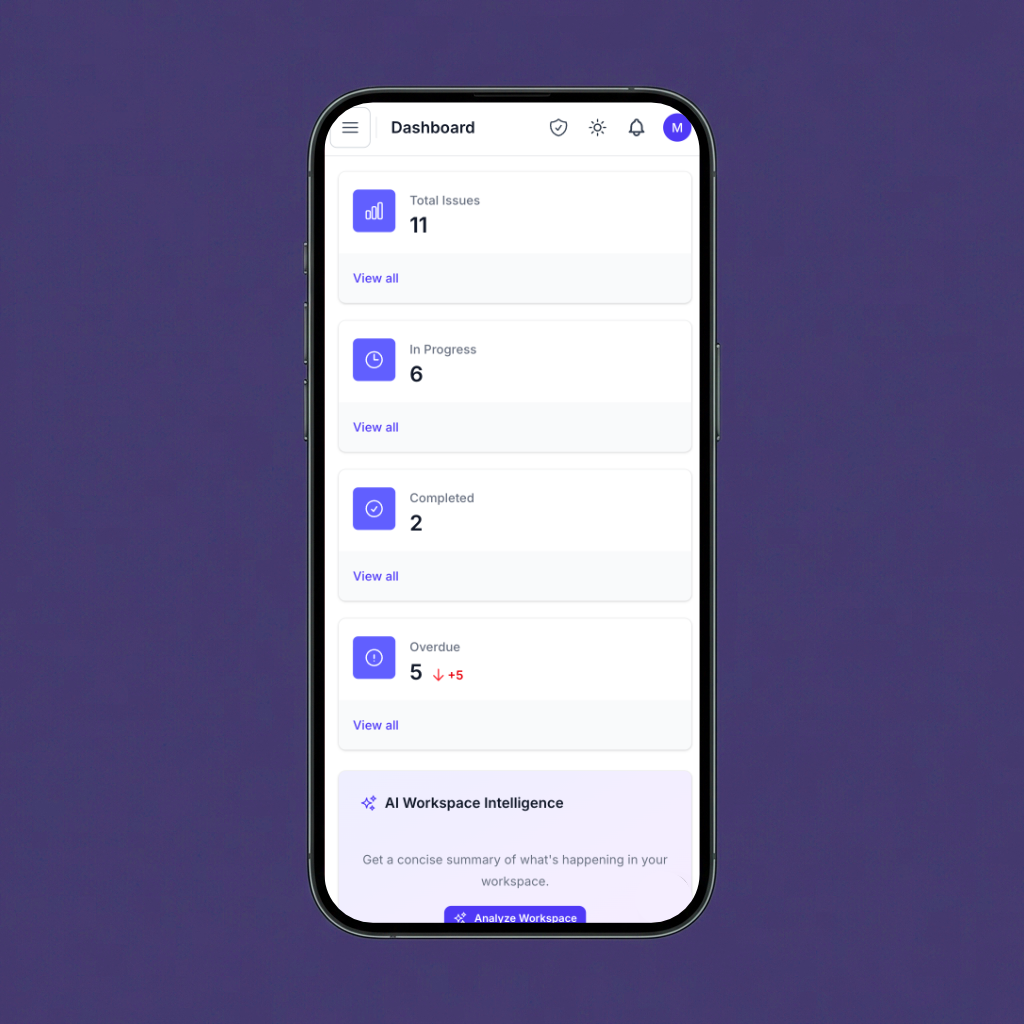
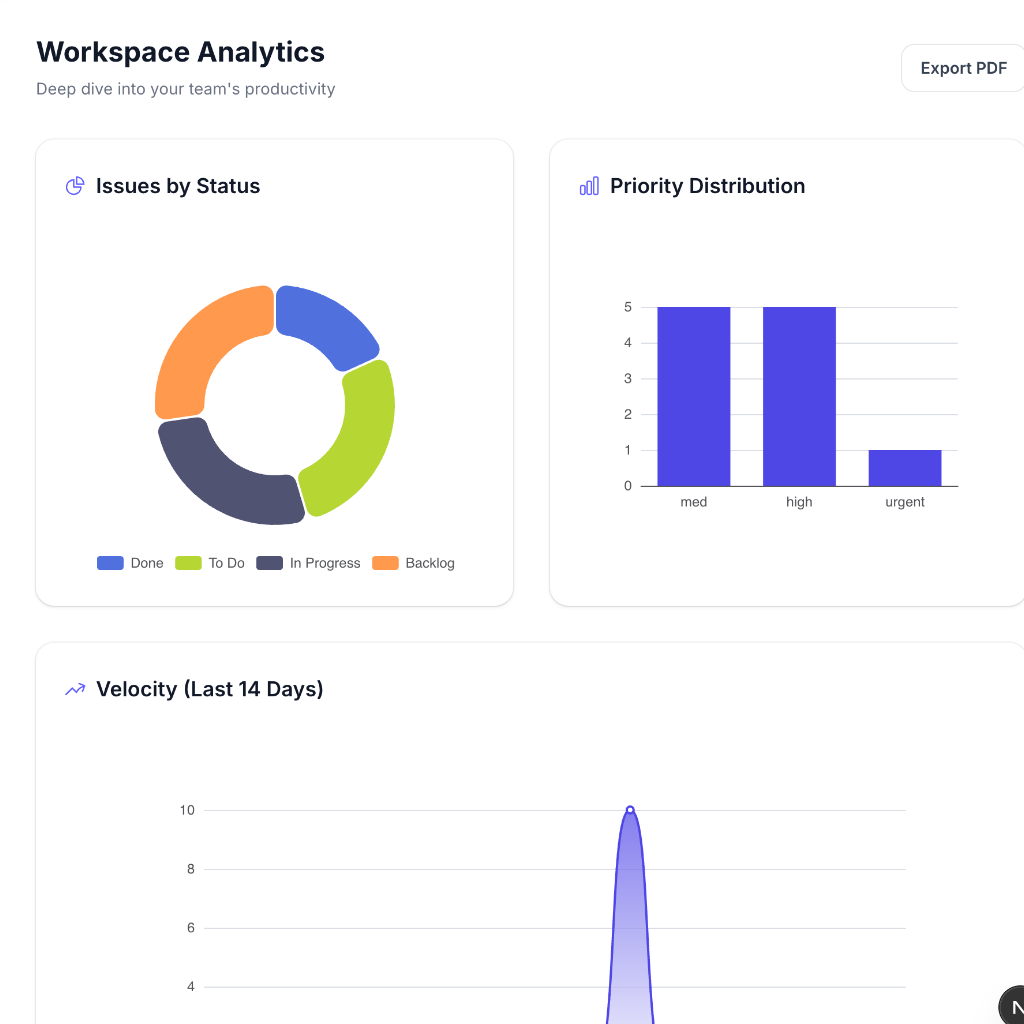
Streamline your development workflow
Designed for modern software teams who want to spend less time managing tasks and more time writing code.
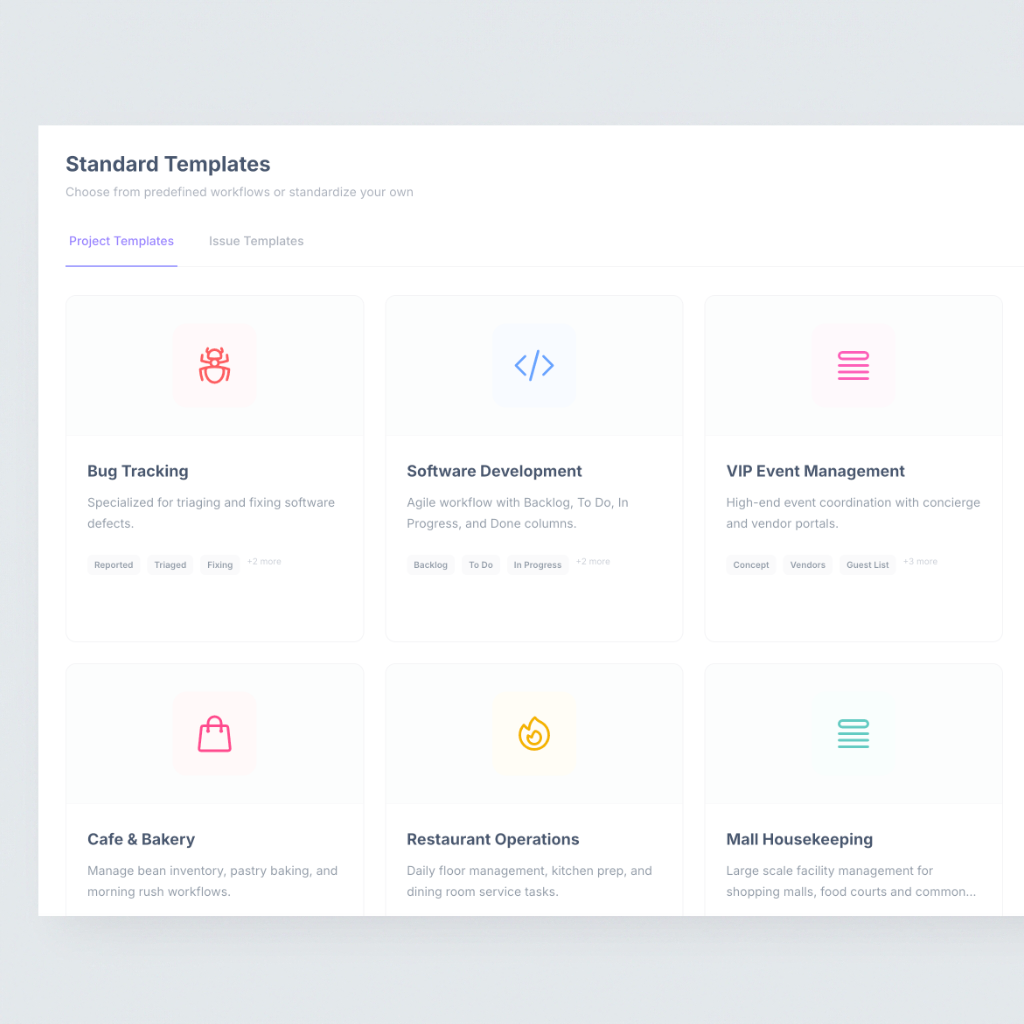
Project Templates
Jumpstart your workflow with industry-standard templates.
From Software Development to Marketing Campaigns, our templates come pre-configured with the right columns, labels, and automations.
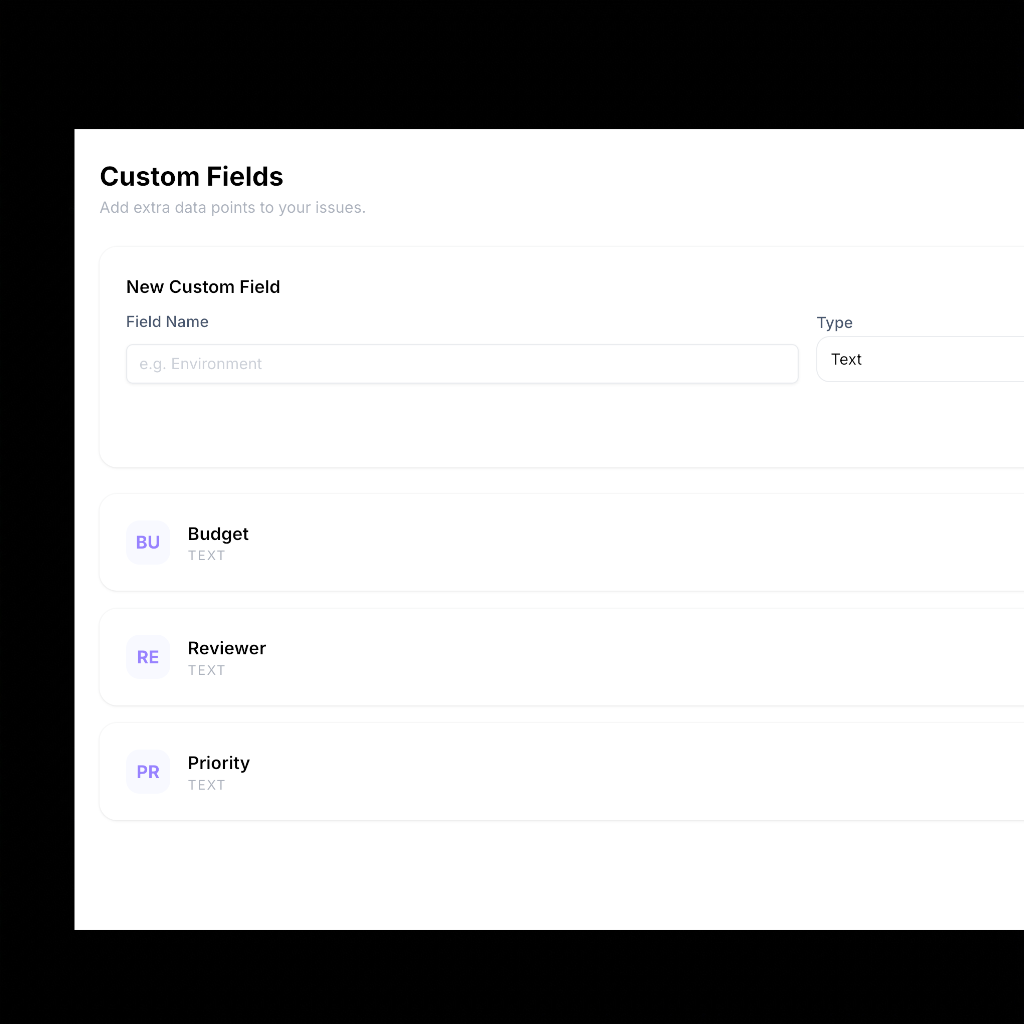
Custom Fields & Automations
Tailor MyTaskManager to your unique business needs.
Add custom fields for anything you need to track. Then, automate repetitive tasks with our powerful rules engine to save hours of manual work.
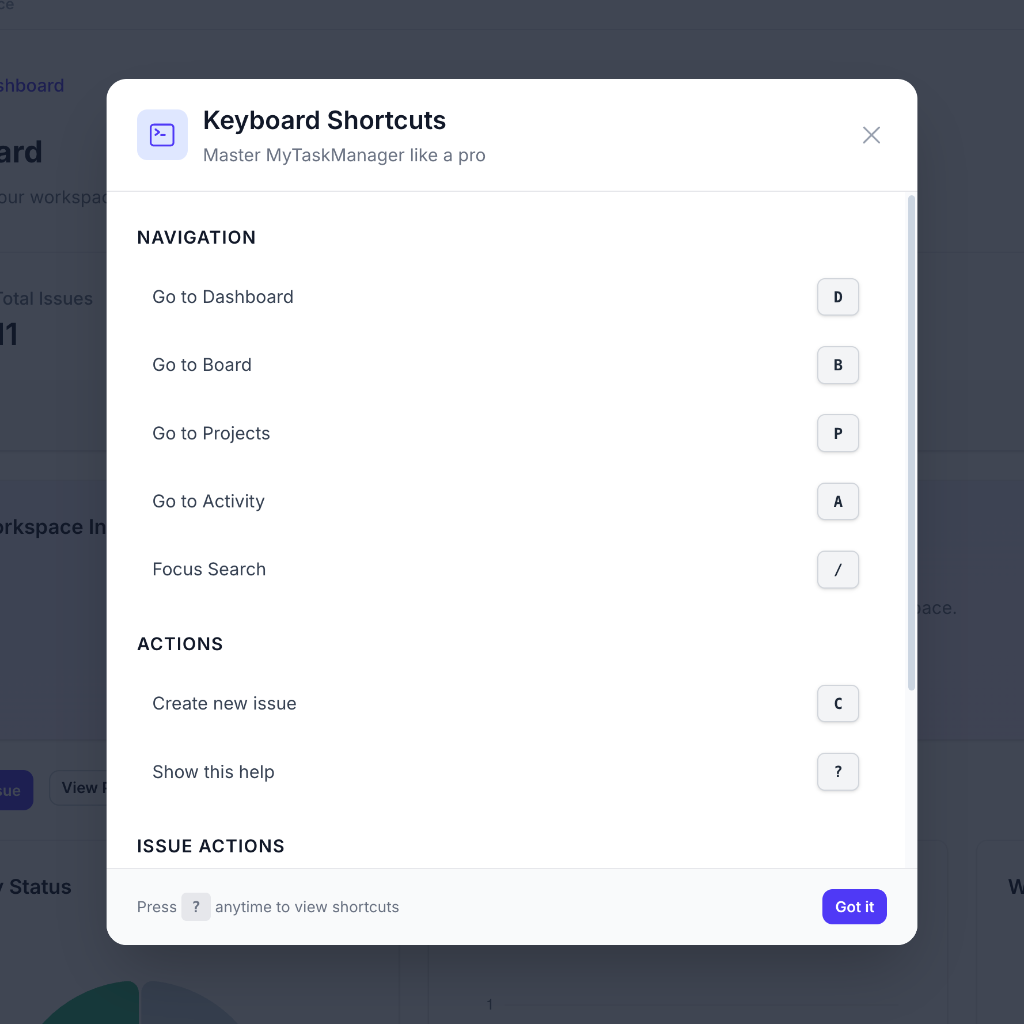
Enterprise Polish
Power-user features that make navigation feel instant.
With professional keyboard shortcuts, global search, and a beautiful dark mode, MyTaskManager is built for professionals who value speed and aesthetics.
Jumpstart your workflow with industry-standard templates.
From Software Development to Marketing Campaigns, our templates come pre-configured with the right columns, labels, and automations.
Tailor MyTaskManager to your unique business needs.
Add custom fields for anything you need to track. Then, automate repetitive tasks with our powerful rules engine to save hours of manual work.
Power-user features that make navigation feel instant.
With professional keyboard shortcuts, global search, and a beautiful dark mode, MyTaskManager is built for professionals who value speed and aesthetics.

Get started today
Ready to supercharge your team’s productivity? Start your free trial today and experience the future of task management.
Get started for freeSimple pricing, for teams of all sizes.
Choose the plan that fits your workflow. All plans include access to our basic Kanban board and task management features.
Starter
Good for individuals and hobby projects.
Free
- 3 Users
- 5 Projects
- attachments
- Basic Kanban board
- Mobile PWA access
- Core task management
Pro
Perfect for growing teams that need more power.
₹ 499/month + GST
- 20 Users
- 100 Projects
- AI Smart Triage
- attachments
- Advanced reporting
- AI Workspace Summaries
- Custom Fields
- Advanced Automations
- Team Insights
- Keyboard Shortcuts
Enterprise
For organizations requiring advanced control.
₹ 4999/month + GST
- Unlimited Users
- Unlimited Projects
- AI Smart Triage
- attachments
- Advanced reporting
- AI Workspace Summaries
- Custom Fields
- Advanced Automations
- Team Insights
- Keyboard Shortcuts
- SSO/SAML Integration
- Advanced Permissions
- Priority Support
- Audit Logs

Frequently asked questions
If you can’t find what you’re looking for, email our support team and if you’re lucky someone will get back to you.
Is MyTaskManager secure?
Yes, we use Supabase for authentication and Row Level Security (RLS) to ensure your data is only accessible to authorized members.
Can I invite my team?
Absolutely! You can invite members via email to collaborate on workspaces and projects.
Does it support offline mode?
Yes, MyTaskManager is a Progressive Web App (PWA). Once installed, it works offline and syncs when you’re back online.
How does the AI assistant work?
Our AI uses advanced language models to analyze your tasks, suggest labels, prioritize issues, and provide workspace summaries.
Can I customize the board?
Yes, you can create custom columns, use different project templates, and even add custom fields to track specific data.
Is there a mobile app?
MyTaskManager is optimized for mobile browser use and can be installed as a PWA on iOS and Android for a native-like experience.
Are there keyboard shortcuts?
Yes! MyTaskManager includes industry-standard shortcuts (like C for create, / for search) to help power users work faster.
Can I export my data?
We currently support CSV exports for projects and tasks, with PDF reporting coming soon.
How do I get started?
Simply click the "Get started" button, create an account, and start your first project in seconds.